Ready to lock in?
Free on iPhone and Android

Lock in as a squad.
Lock In Squad is a free app blocker for iPhone and Android. Block the apps that distract you, then lock in with your friends and watch the live standings.
Scan with your phone's camera to get the app
Reviews people left on the App Store
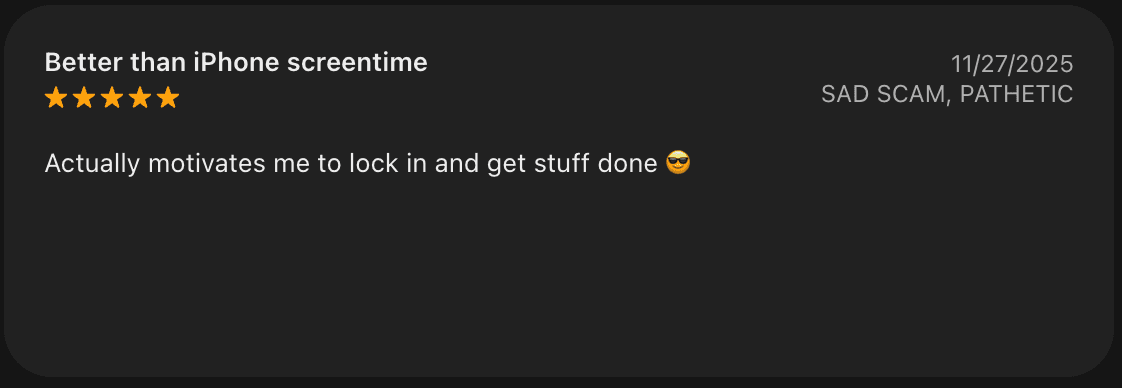
App Store review, 11/27/2025
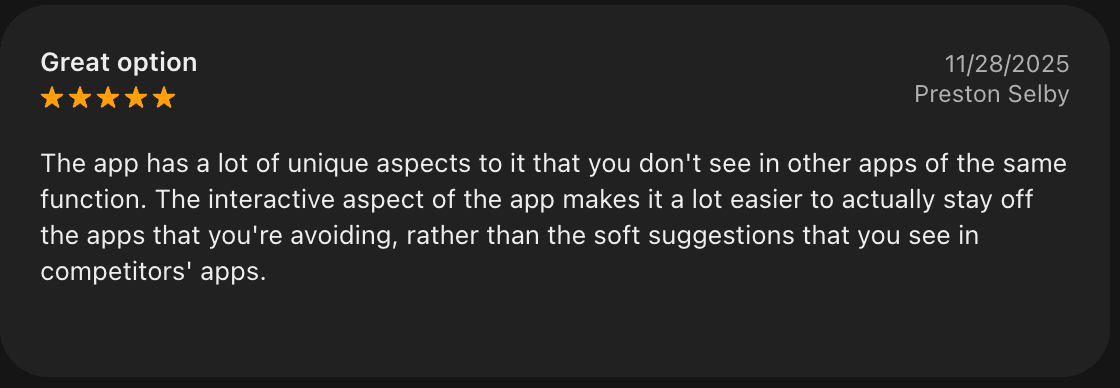
App Store review, 11/28/2025
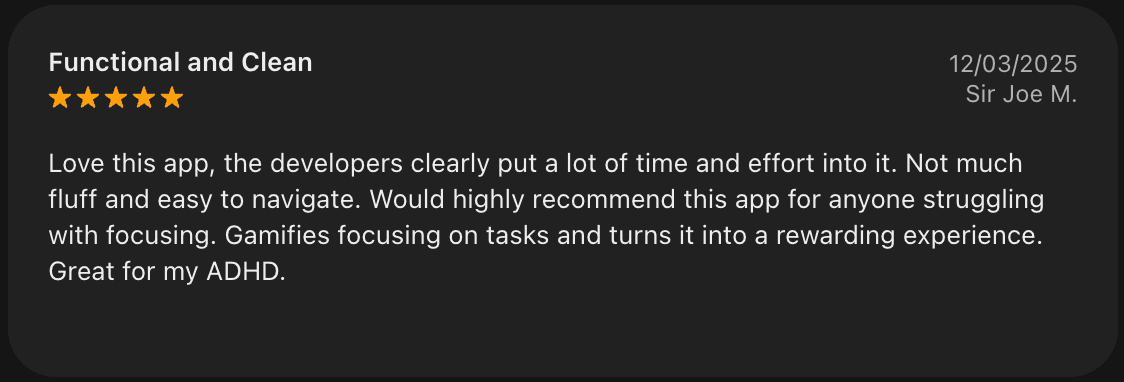
App Store review, 12/03/2025
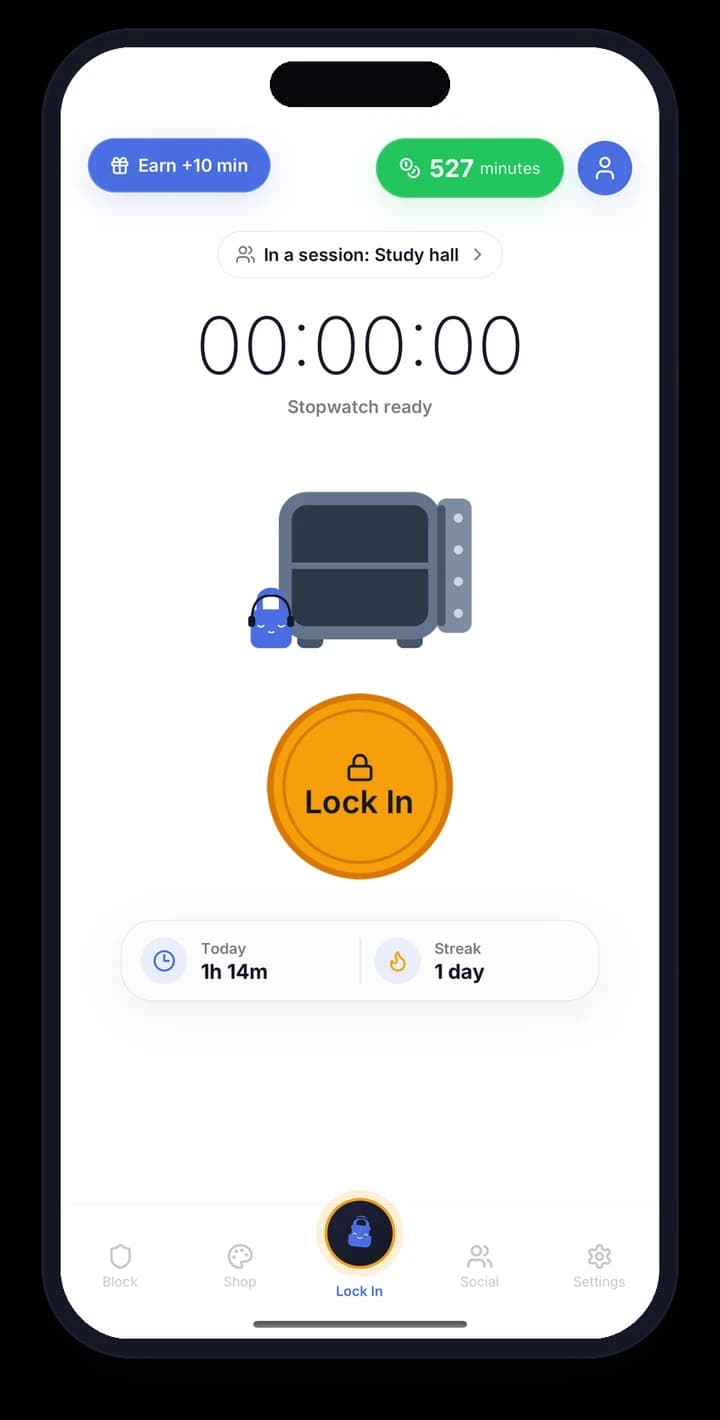
Focus is easier when your friends are in it too.
Lock In Squad is made for high school and college students and their friend groups.
- 1
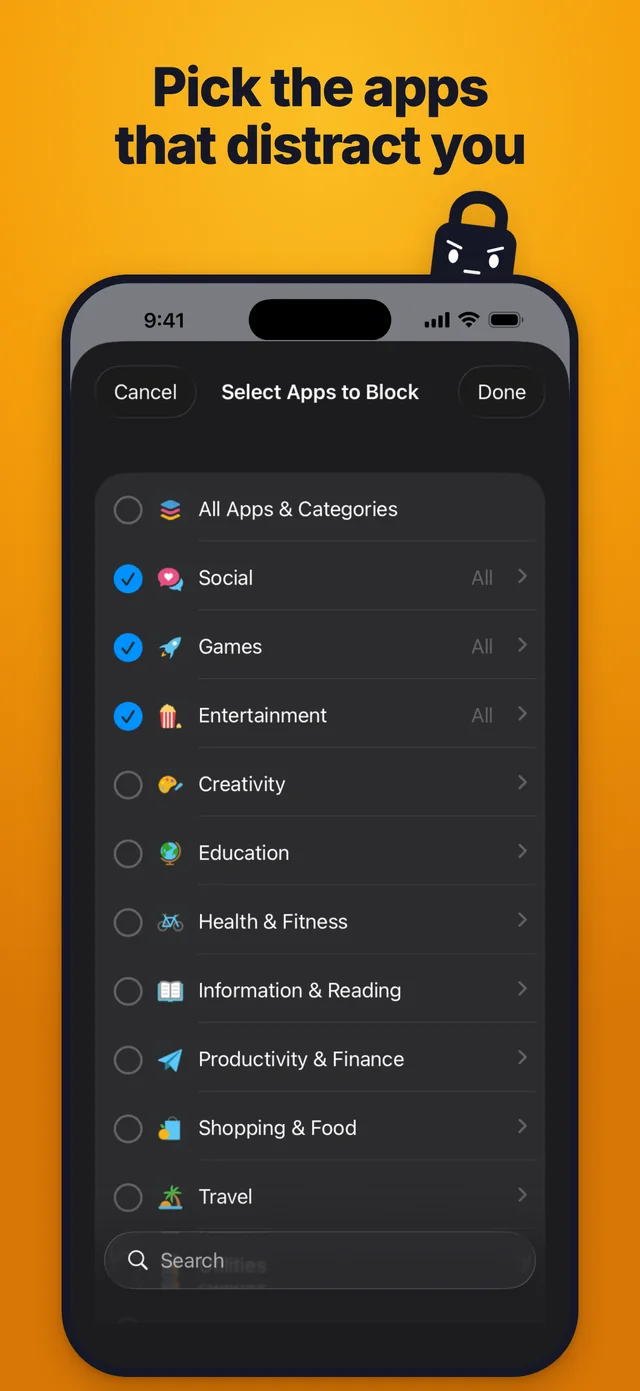
Pick the apps to block
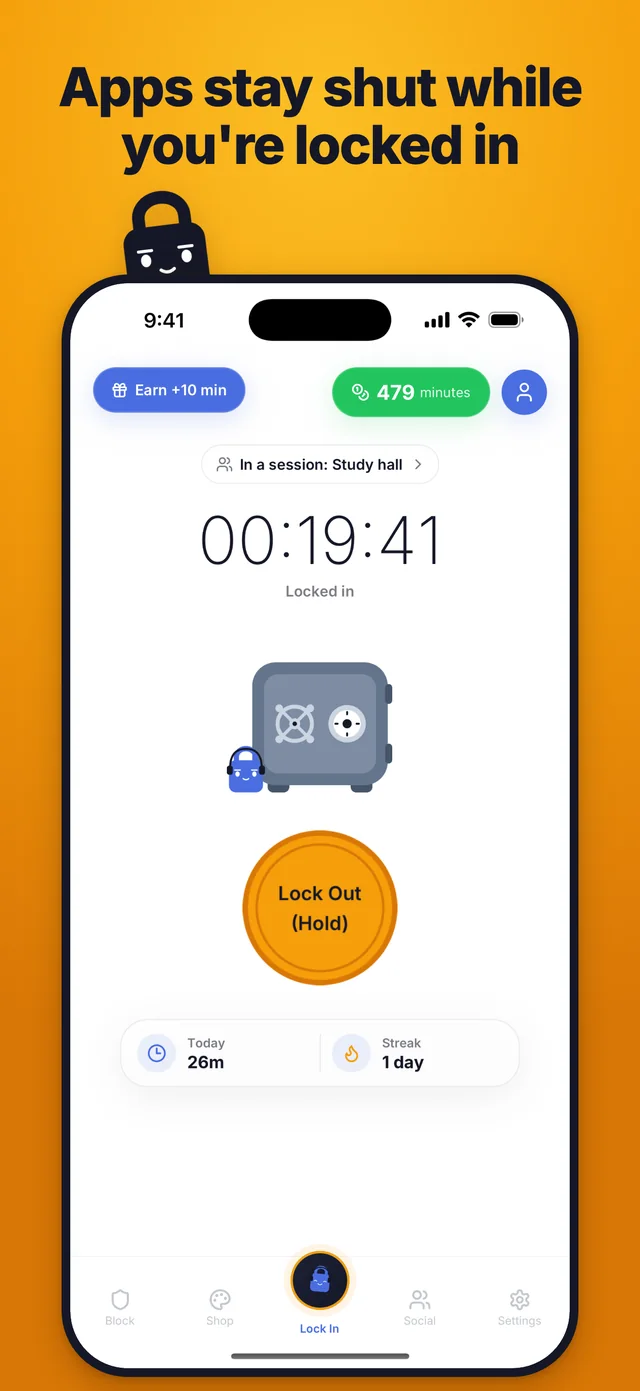
Choose the apps that distract you. They stay blocked while you're locked in, until you hold the Lock Out button.
- 2
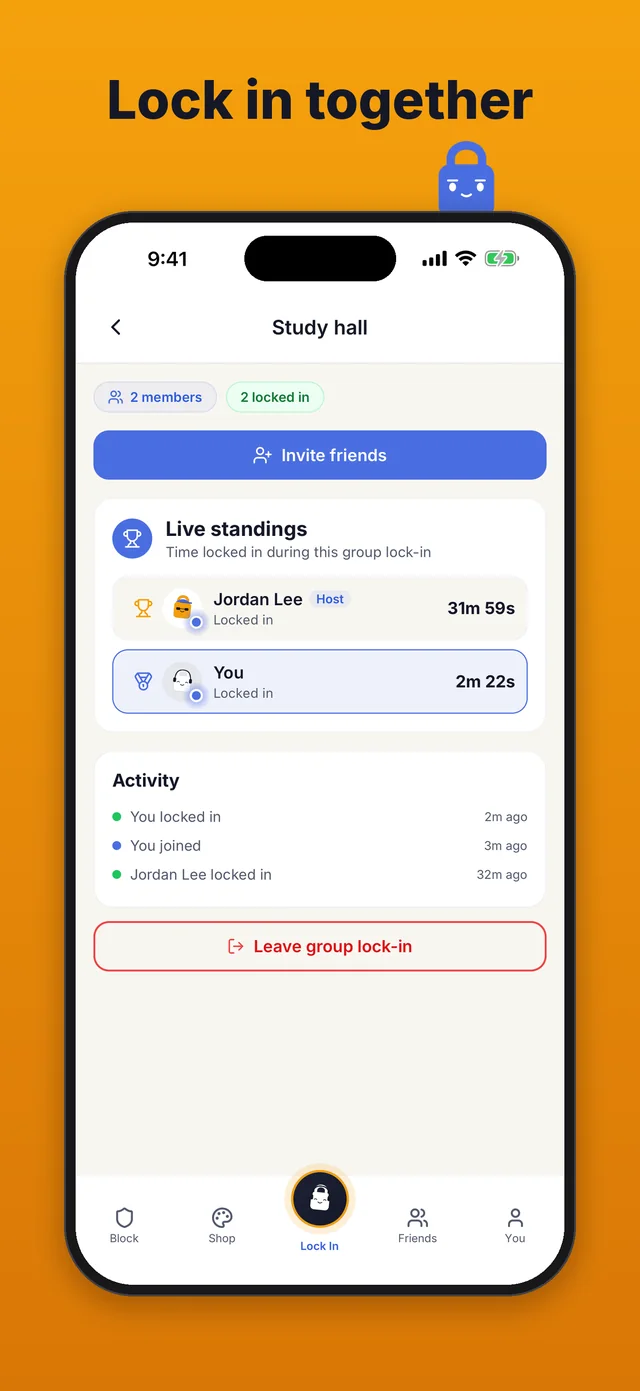
Start a group lock-in
Invite your friends in the app, or send them a link. A friend without the app can open the link, get the app and join with a free account.
- 3
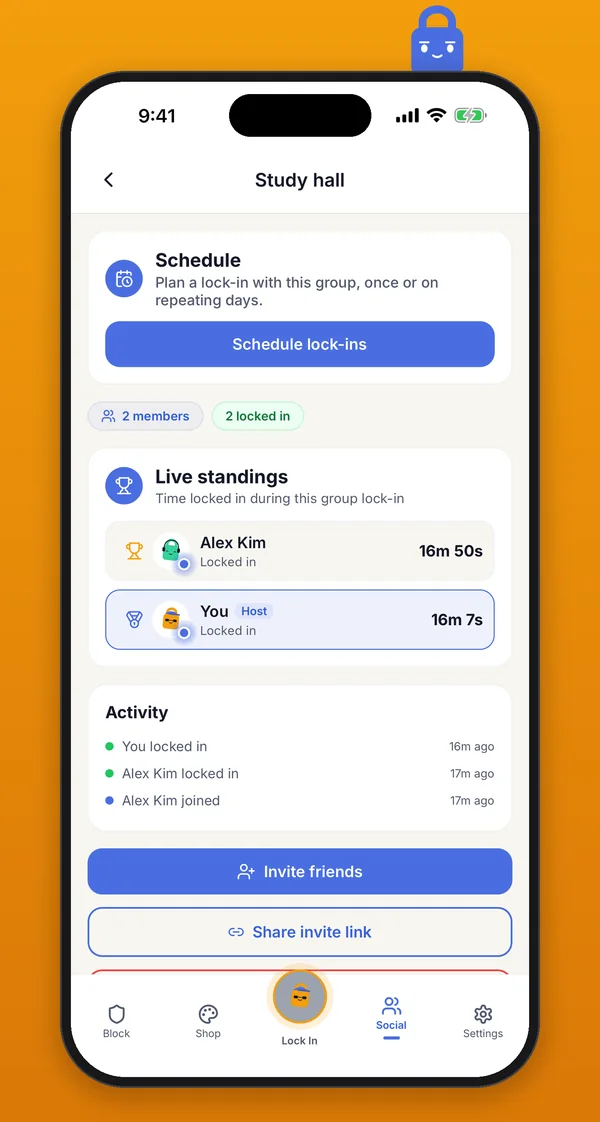
Follow the live standings
See how long each of you has been locked in. Each week, whoever tops your friends' weekly leaderboard wears the crown all the next week.
Don't be that person
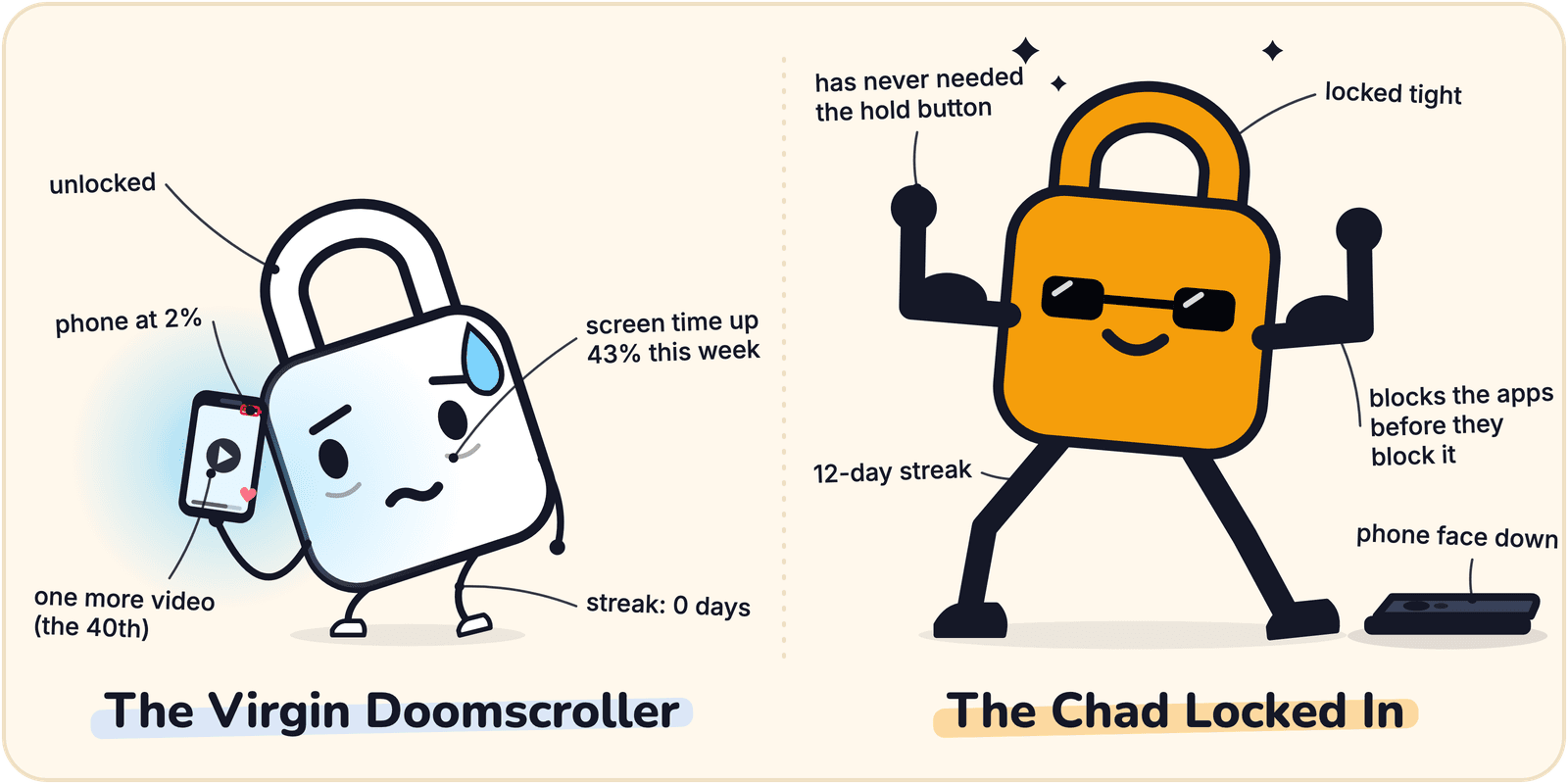
The Virgin Doomscroller
- ✗Constantly distracted by phone notifications
- ✗Scrolls social media for hours instead of working
- ✗Doesn't use Lock In Squad even though it's free
- ✗Misses deadlines and feels guilty
- ✗Zero self-control, zero productivity
- ✗Wishes they could focus but does nothing about it
The Chad Locked In
- ✓Uses Lock In Squad to block distracting apps
- ✓Builds daily streaks and tracks progress
- ✓Actually gets work done on time
- ✓Earns rewards for focused time
- ✓Takes control of their productivity
- ✓Locks in and achieves their goals
How It Works
Get started with Lock In Squad in 5 simple steps
Download Lock In Squad
Get it free on iPhone or Android from the App Store or Google Play.
Grant Permissions
On the Block tab, or in Settings from the gear on the You tab, turn on the permissions your phone needs for blocking.
Select Your Apps
Choose which apps to block when you need to focus. The guide inside the app will walk you through it.
Start Your Timer
Set your focus duration and lock in. Your selected apps will be blocked during this time.
Stay Focused
Work without distractions. Build streaks, earn rewards and track your productivity stats.
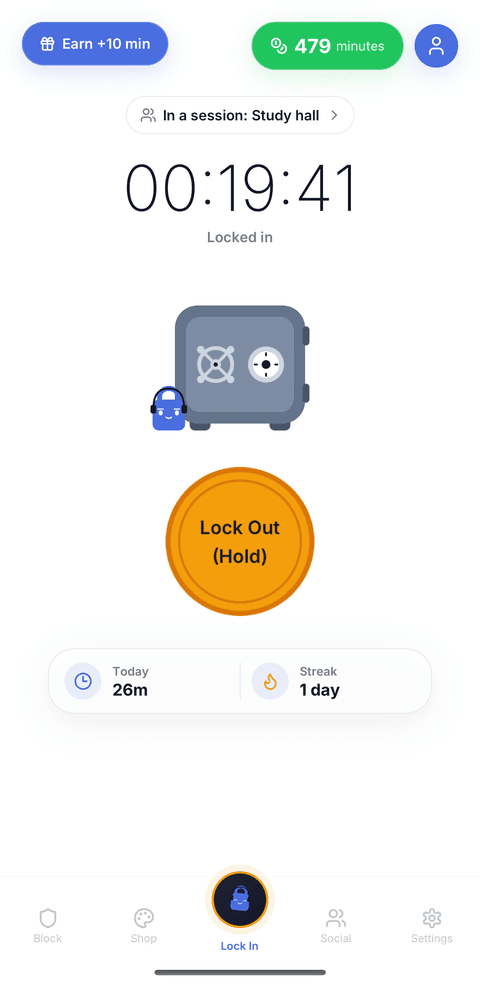
Lock In Squad uses conscious friction to help you resist distractions without completely locking you out. To end a lock-in early, you hold the Lock Out button for as long as you set in Settings, from 1 to 30 seconds, and a new account starts at 5. The hold gives you a moment to reconsider before the whole lock-in ends.
Features
Focus Lock
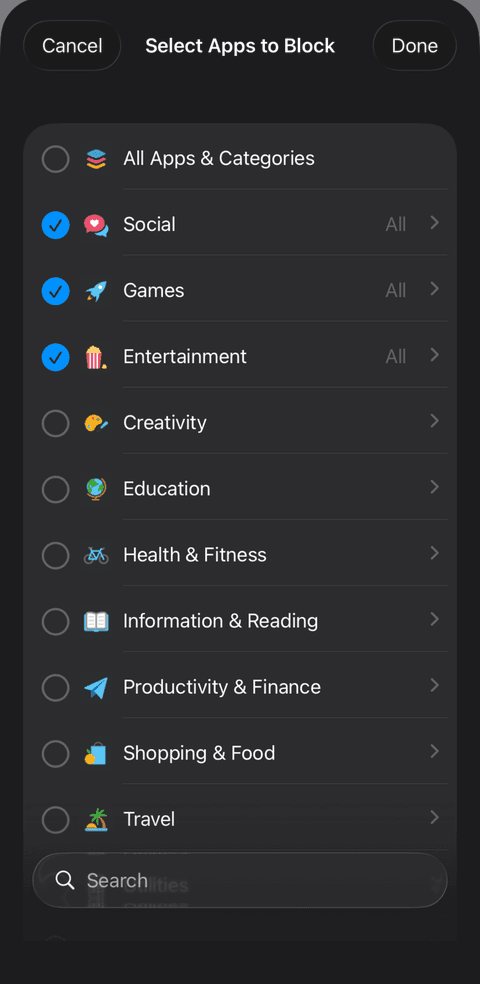
Block selected apps and stay on task with a stopwatch or countdown timer. On iPhone you can block whole categories like Social, Games and Entertainment, while on Android you pick apps one by one or tap Browsers to block every browser at once. Ending a lock-in early takes a hold on Lock Out, for a delay you choose, so quitting is always a deliberate choice.
- ✓Block whole categories (iPhone) or single apps (iPhone and Android)
- ✓Timer or stopwatch mode
- ✓A hold of 1 to 30 seconds to lock out early
- ✓A Live Activity on iPhone keeps your lock-in time on the Lock Screen
- ✓Up to 5 schedules that block your apps at set times, even with the app closed
- ✓VoiceOver and TalkBack lock in with a double tap, and a double tap while you're locked in runs the hold to lock out
Block List or Whitelist
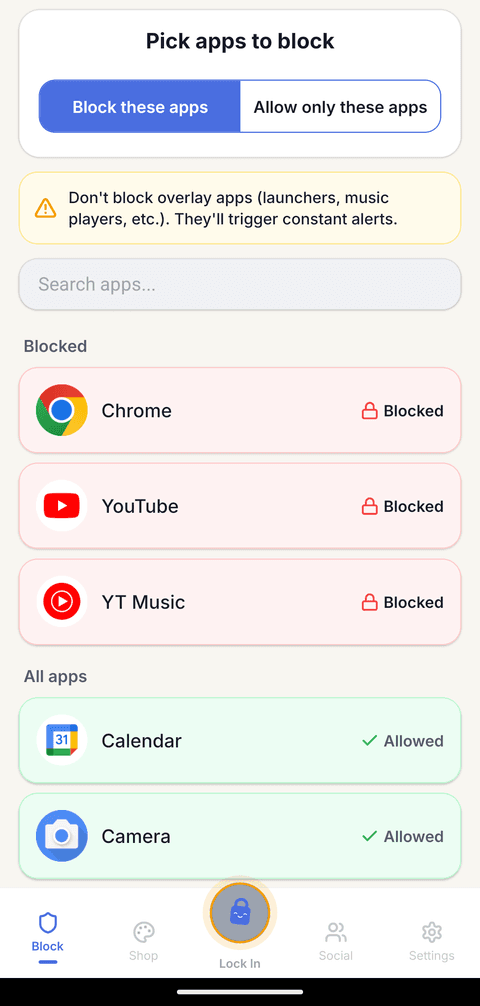
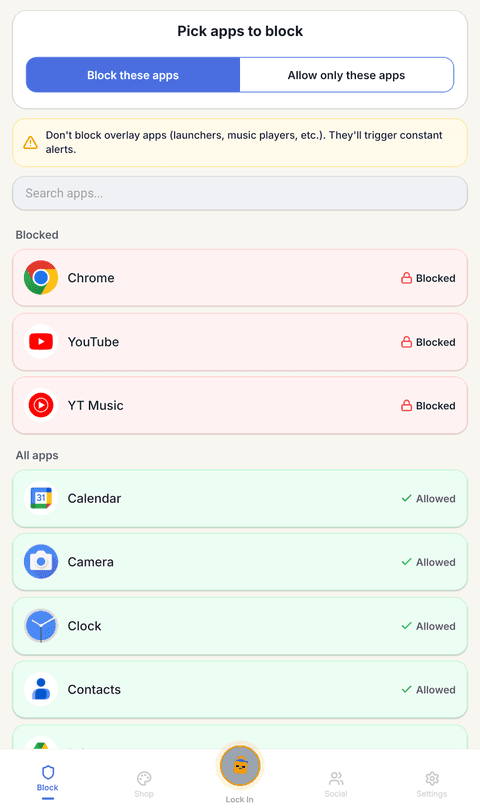
Android: At the top of the Block tab, choose Block these apps to block the apps you tap, or Allow only these apps, the whitelist mode, to keep only the apps you need open and block everything else. The Block tab works the same way on an Android tablet. At the top of the app list, the Websites row blocks the websites you add, such as youtube.com, in Chrome, Samsung Internet, Firefox, Edge, Brave, Opera, DuckDuckGo and Vivaldi while you're locked in or a scheduled block is on. Websites that open inside another app, such as Instagram or TikTok, can't be blocked. Below it, the Browsers row blocks every browser on your phone in one tap.
iPhone: Apple's Screen Time blocks the apps, categories and websites you pick. Whitelist mode works on iPhone too, where the app calls it Allow only these apps. You pick up to 50 apps to keep open, and every other app and website stays blocked during a lock-in. Phone, Settings and anything under Always Allowed in Screen Time stay open.
- ✓Block these apps: block the distracting apps you pick
- ✓Allow only these apps: keep only the apps you need, on iPhone and Android
- ✓On Android, each app on the list is marked Blocked in red or Allowed in green
- ✓On Android, block the websites you pick, or every browser with one tap on Browsers
- ✓On iPhone, blocking runs through Apple's Screen Time
Earn Currency & Customize
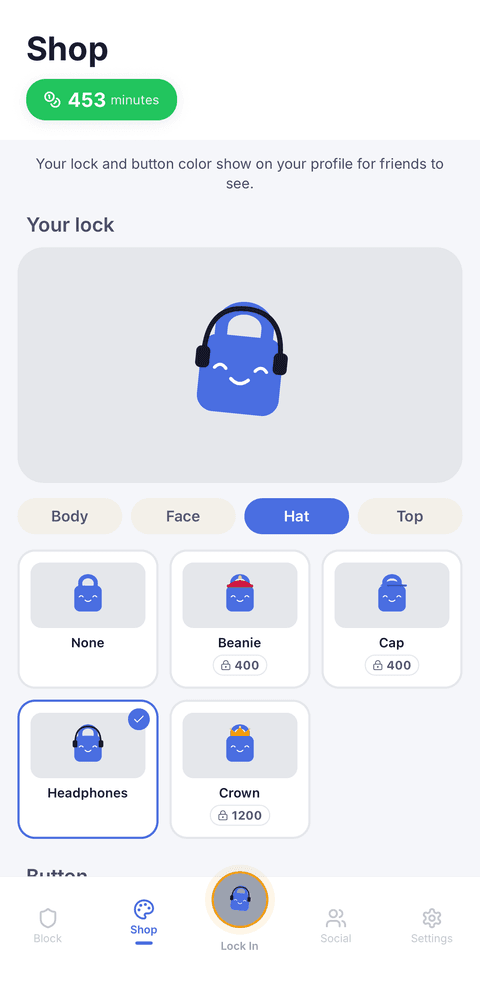
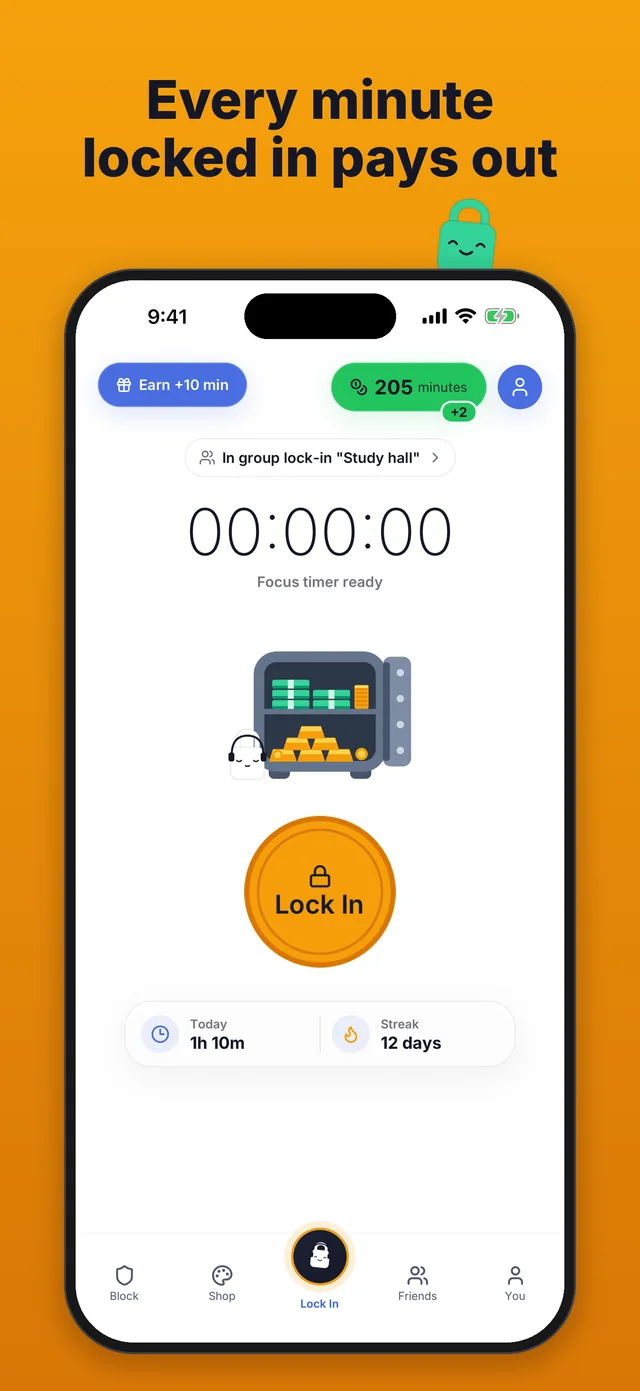
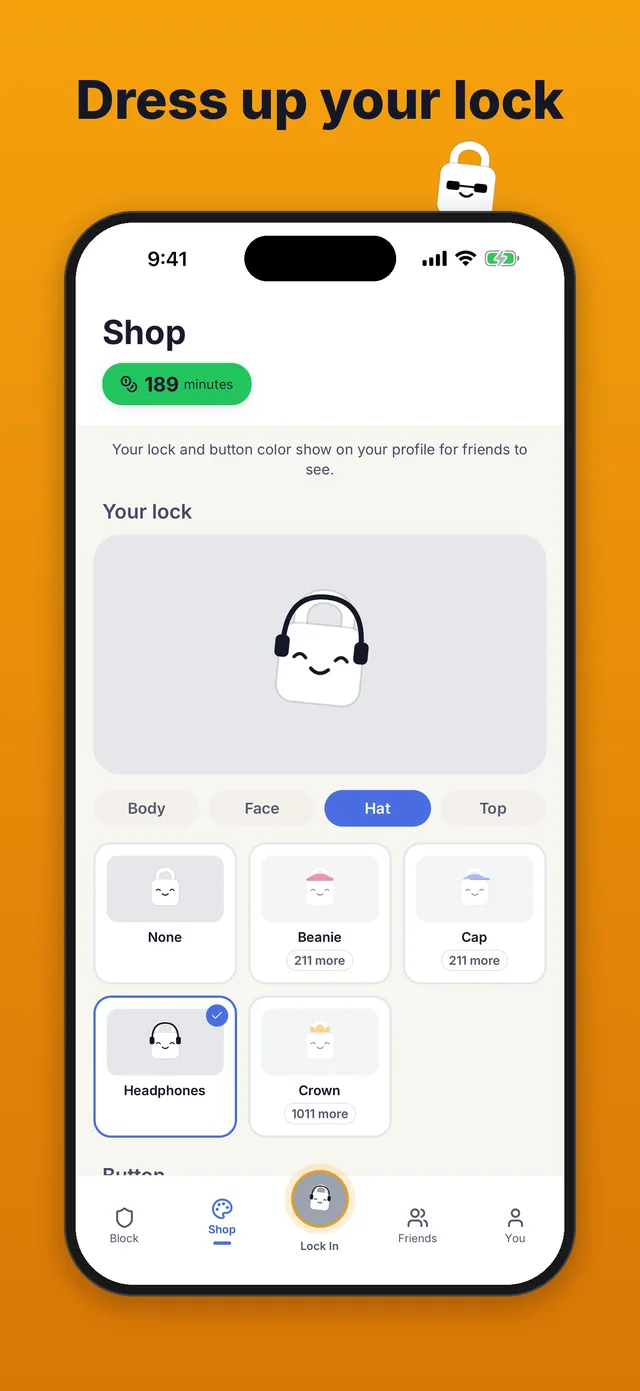
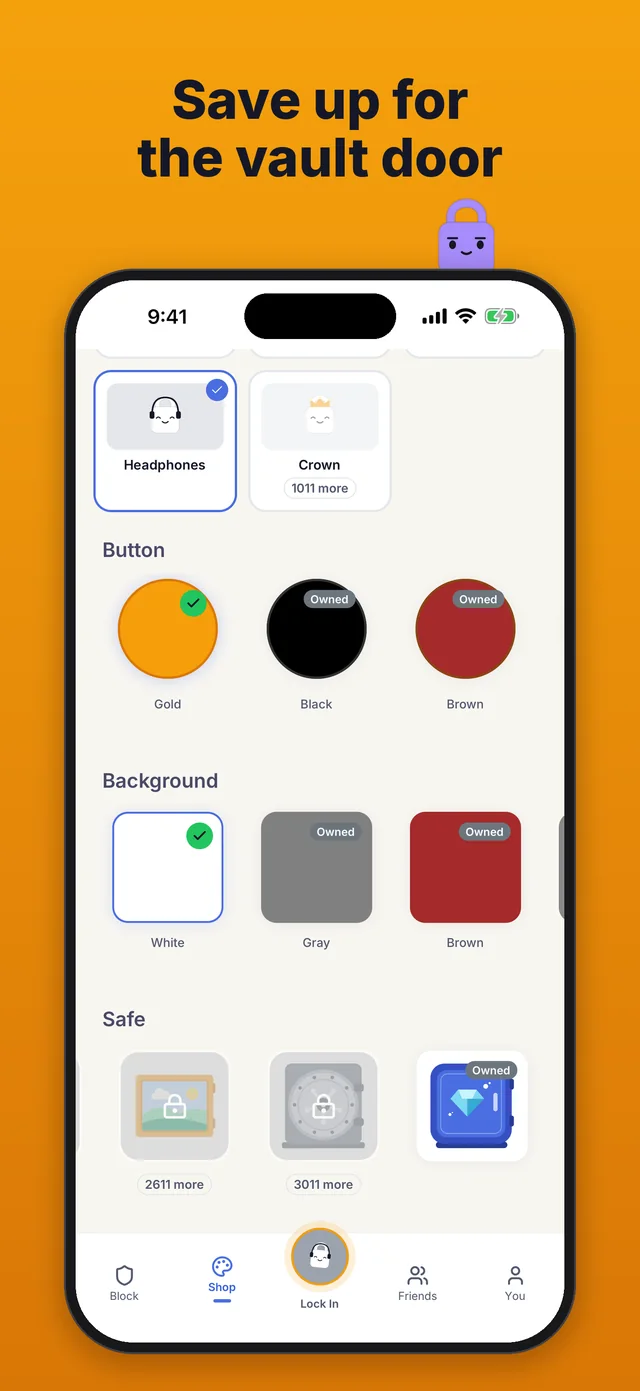
Earn "minutes" for every minute you're locked in and spend them in the Shop. Dress up your own lock with a body color, face, hat and top, and pick a safe, from a piggy bank and a vault door to a wall safe hidden behind a painting that hangs on your own background. The Diamond safe comes with Premium. Your safe's door shuts when you lock in and opens when you lock out.
In Settings > Appearance you can switch between dark and light mode.
- ✓Earn currency for focused time
- ✓Watch rewarded ads for 10 bonus minutes
- ✓Buy safes, backgrounds and button colors
- ✓Customize your lock: body color, face, hat and top
- ✓Switch between dark and light mode
Streaks & Stats
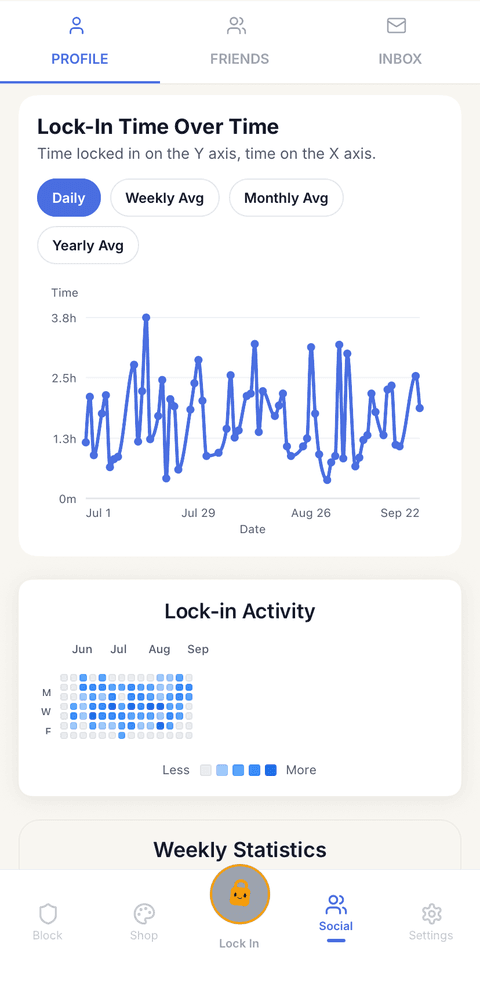
Your profile on the You tab shows your streak, a chart of your focus time over 7, 30 or 90 days, a year or all time, and a heatmap of the days you locked in, laid out like a GitHub contribution graph.
- ✓Build daily streaks
- ✓Heatmap of your focus days, like GitHub's
- ✓Weekly focus totals on your profile
- ✓Miss one of the focus days you picked and the streak resets
- ✓Set a daily goal from 15 minutes to 8 hours on the Block tab, and the heatmap marks the days you hit it
- ✓Share your streak as an image
- ✓Home screen widgets show your own lock with your streak and today's minutes
- ✓With your streak on the line, the widget's lock gets worried at 6 PM, sweats at 9 PM and cries from 10:30 PM
- ✓Lock Screen widgets on iPhone
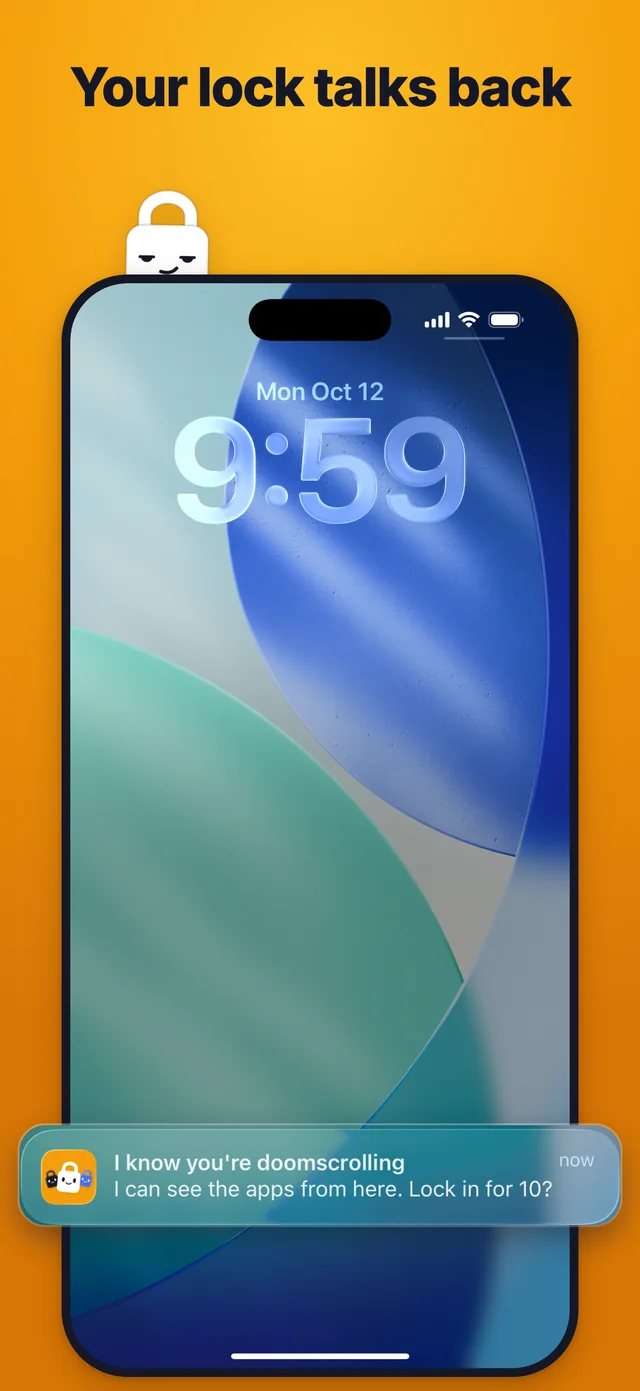
- ✓Reminders from your lock, in its own voice
See the app
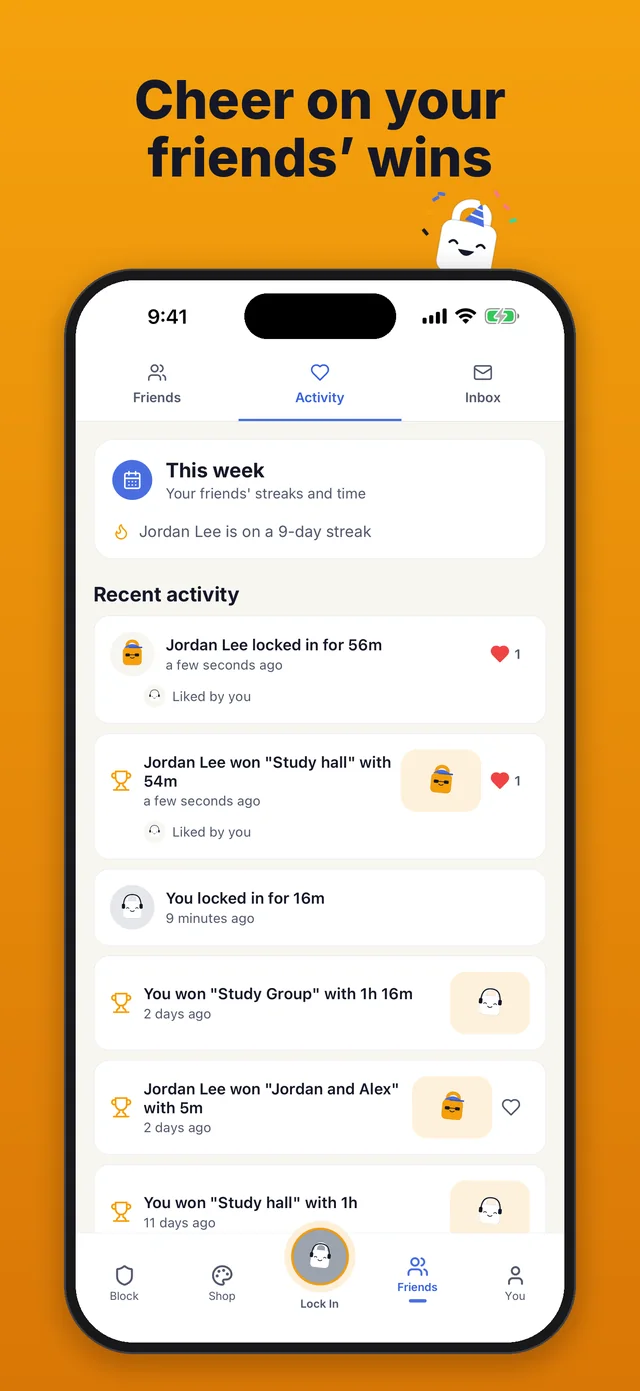
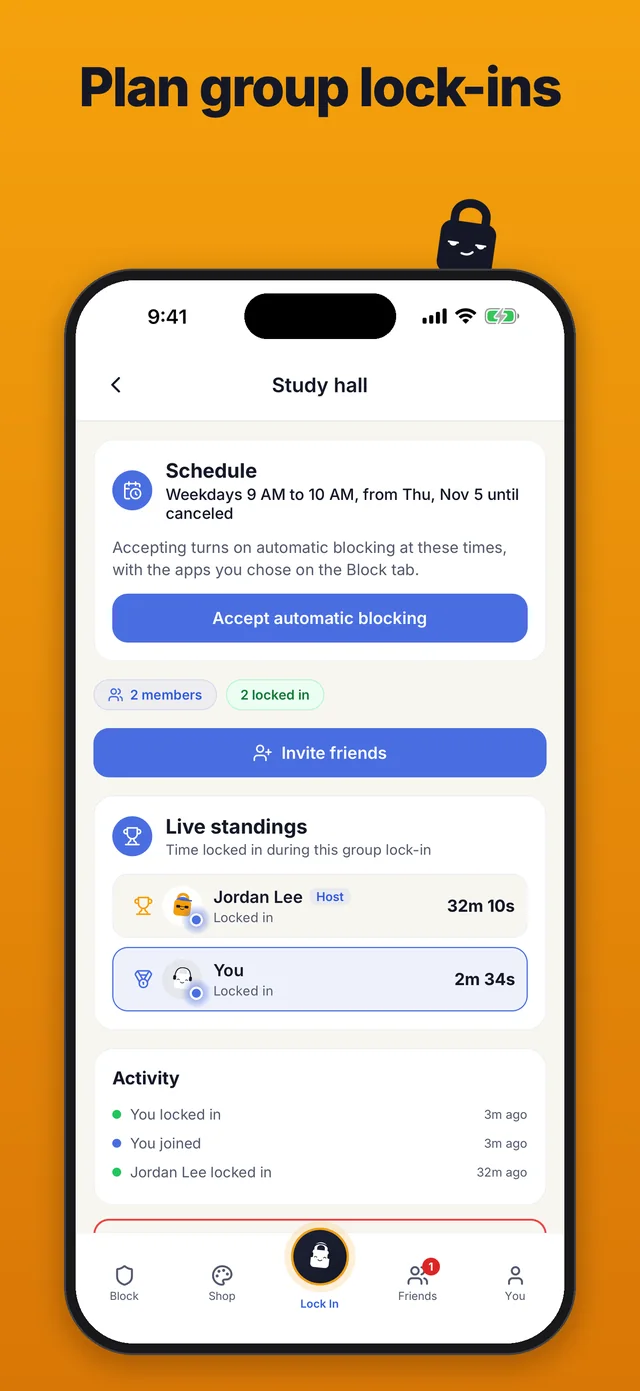
Screens from the app on iPhone and Android.
Lock in with friends
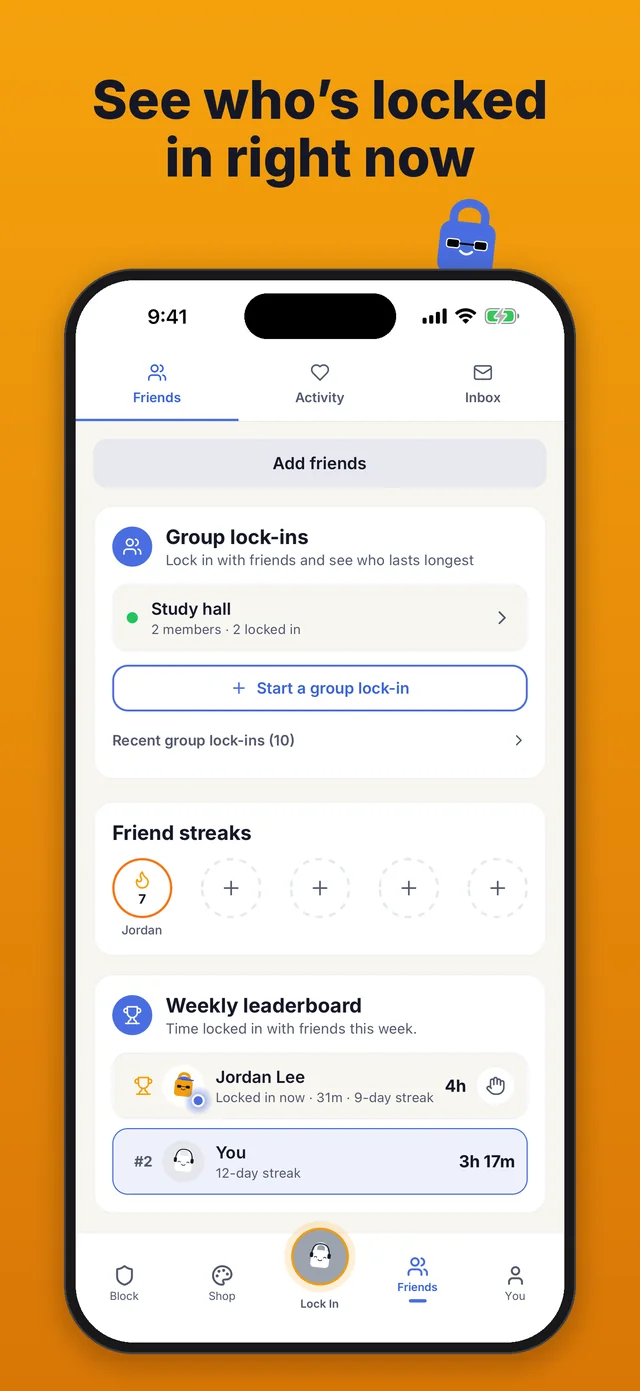
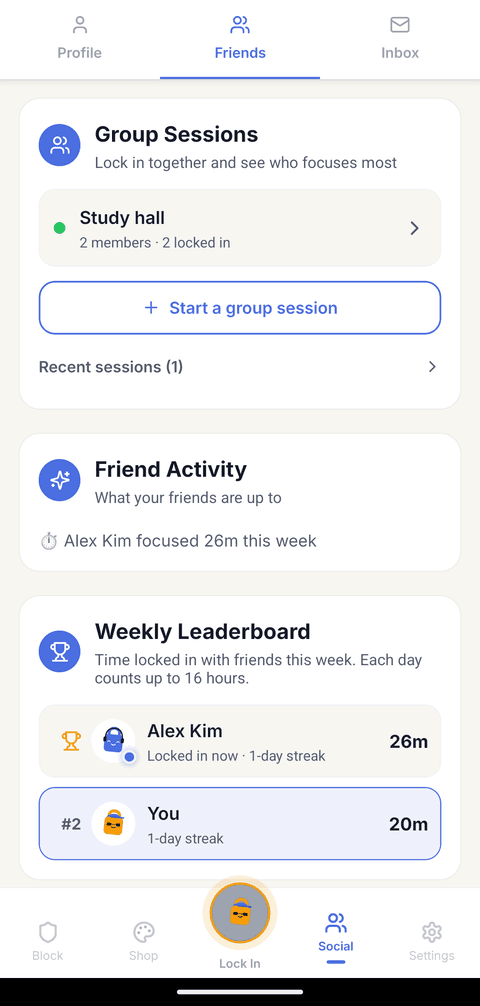
Add friends to see each other's streaks and stats and to lock in together in a group lock-in. A weekly leaderboard ranks you and your friends by time locked in from Monday to Sunday, counting up to 16 hours a day, and each week's winner wears a crown beside their name all the next week.
- Find friends by name or user ID, or share a link that adds you as a friend
- Send & accept friend requests
- See a friend's streak, stats and weekly progress
- Only friends see your full stats
- Nudge a friend to lock in, or cheer them on
- See when a friend's streak hits a milestone
- Like your friends' lock-ins, streak milestones and group wins in Activity
- Give a group lock-in set times that each member accepts
- Keep a friend streak going on the focus days you share
- A glowing dot shows which friends are locked in right now
- Win the week and wear the crown, and your profile counts the weeks you've won
- Start as a guest with no account, then make a free one when you want to add friends
Refer a friend and you both get 1,000 minutes
Your referral code is on your profile. A friend who signs up with it gets 1,000 bonus minutes, and you get 1,000 after their first lock-in.
Simple, Fair Pricing
Every feature is free, with no subscription.
Everything you need to stay focused
- Unlimited lock-ins
- App blocking (whole categories on iPhone, single apps on both)
- Detailed stats and streaks
- Friends, group lock-ins, friend streaks and the weekly crown
- Up to 5 schedules that block apps at set times
- A daily goal from 15 minutes to 8 hours
- A lock out hold you set from 1 to 30 seconds
- A productivity digest by email every two weeks
- Earn minutes to spend on cosmetics
- Dark and light mode toggle
- Full-screen ads show only when you end a stopwatch lock-in or quit a timer early, at most every other time after your first 3 lock-outs.
Pay once and it stays on your account
- Everything in Free
- Remove all ads forever
- A Premium badge next to your name
- A Diamond safe
- That's all Premium adds, because we don't put features behind a paywall.
Unlike apps that charge a monthly subscription of up to $19.99, Lock In Squad gives you everything free, with one optional $4.99 payment to remove ads.
In 2025, the internet started talking about the great lock in
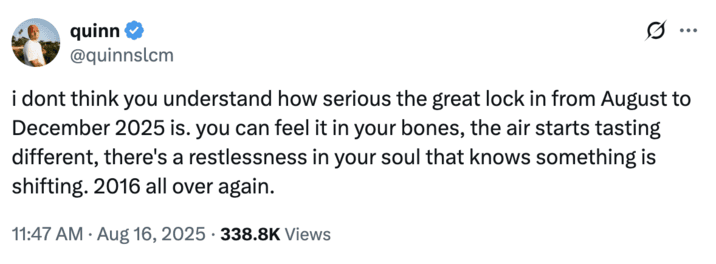
"You can feel it in your bones... something is shifting"
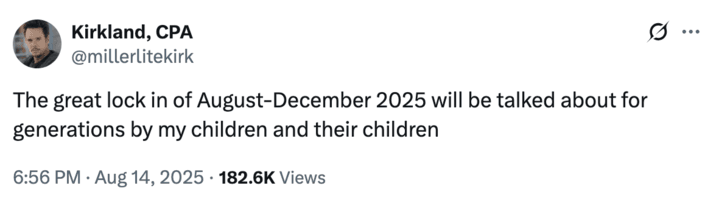
"Will be talked about for generations"
Lock In Squad is free on iPhone and Android, so you and your friends can start your own lock in today.
Questions
Is there a free app blocker for iPhone?
Yes. Lock In Squad is free on the App Store, and every feature costs nothing, from blocking, stats and streaks to friends and group lock-ins. It blocks through Apple's Screen Time, so blocking apps needs iOS 16 or later. Screen Time's own limits are free as well, though by default you can ignore them once reached.
Can I lock in with my friends?
Yes. Start a group lock-in and invite friends in the app, or send a link, which friends without the app can open too. Live standings show how long each of you has been locked in. The weekly leaderboard ranks you and your friends by time locked in, and each week's winner wears a crown all the next week.
What is the best free app blocker?
It depends on where you get distracted. For a phone, Lock In Squad keeps every feature free on iPhone and Android, including group lock-ins with friends, with no limit on lock-ins. Opal's free plan, by comparison, allows 1 rule, and Freedom's runs only sessions you start on the spot. For a computer, Cold Turkey's free version blocks websites.
Does Lock In Squad have ads?
Yes, unless you buy Premium, a single $4.99 payment that removes them. A full-screen ad can show only after you end a stopwatch lock-in or quit a timer early, and then only on every other such lock-out, at least 3 minutes apart. You never see one during a lock-in, after a timer you finish, in your first 3 lock-outs or after a lock-in under 30 seconds. Rewarded ads play only when you tap Earn +10 min.
Can app blockers on iPhone actually prevent you from opening apps?
Yes. Blockers built on Apple's Screen Time framework have your iPhone put a block screen over a chosen app, so you can't use it until the block ends. What differs is how hard that block is to lift early. Some blockers lift it with a single tap and some leave no way out at all, while Lock In Squad's hold of 1 to 30 seconds sits in between.
Do app blockers work?
They can. In a 2025 randomized trial in PNAS Nexus, blocking mobile internet for two weeks improved sustained attention. In a 2023 PNAS study of the one sec app, a pop-up with a 10-second wait before a chosen app opened made people back out about a third of the time, and after six weeks they opened those apps 57% less.