The app blocker for getting real work done
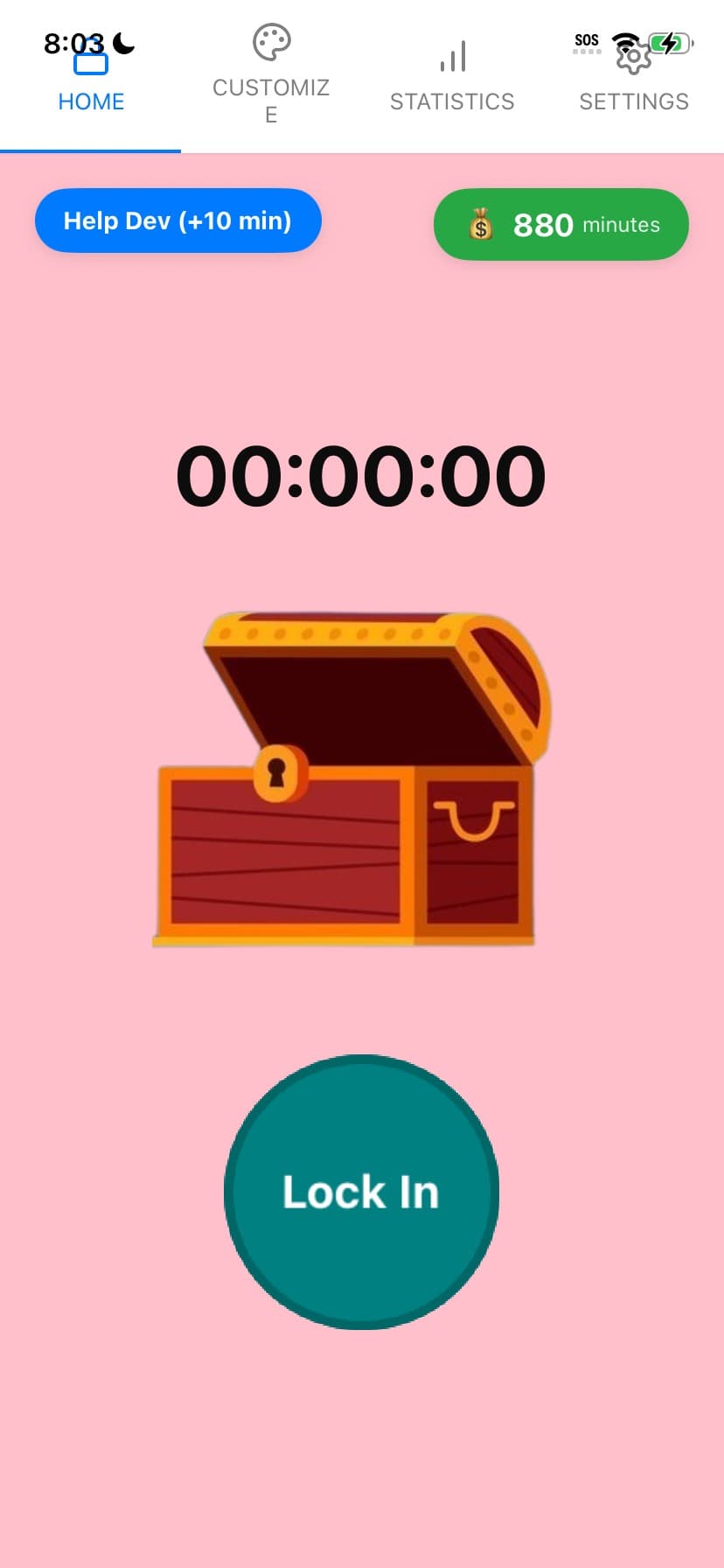
Working from home or in an open office, the same thing kills your deep work: the quick phone check that turns into twenty minutes. Lock In Squad blocks the apps that pull you off task so you can focus, finish, and log off on time.
Why professionals lock in
Protect your deep work blocks
Block the apps that fragment your attention for the length of a focus block. The hardest part of knowledge work is staying with one thing long enough to do it well, and that is exactly what a locked session protects.
Friction, not a hard cage
You still get to your phone if a real work emergency comes up. Unlocking early takes a deliberate hold, enough of a pause to separate "I need this for the job" from "I am avoiding the hard task."
See where your time actually goes
Lock In Squad logs every focus session automatically, so you get real numbers on your focused hours, your peak times, and your streak. No spreadsheet, no manual timer, just a clear picture of your week.
Focus with your team
Start a group session for a heads-down sprint so the whole team can see who is locked in. Shared focus time beats a calendar block nobody respects, even when everyone is remote.
A simple deep-work routine
- Pick the apps that derail you most (Slack on your phone, news, social, games).
- Set a focus block that matches the task, 50 to 90 minutes for deep work.
- Hit Lock In and put your head down until the timer ends.
- Take a real break, then start another block. Your streak grows each day you show up.
- Check your weekly stats to see your focused hours climbing.
Lock in and get the work done
Free app blocker for focused work. No subscription, no paywall.