The app blocker built for students
Lock In Squad is a free app blocker for students on iPhone and Android. Pick the apps that eat your study time, start a timer or stopwatch, and those apps stay blocked until you hold a button for the 1 to 30 seconds you chose, even after the timer reaches zero. Streaks count on the study days you pick.
Why students use Lock In Squad
How to use Lock In Squad to study
- Open Lock In Squad and pick the apps that distract you most.
- In the Your week card on the Block tab, pick your study days and a daily goal.
- Set a timer for your study block (try 50 minutes, then a real break).
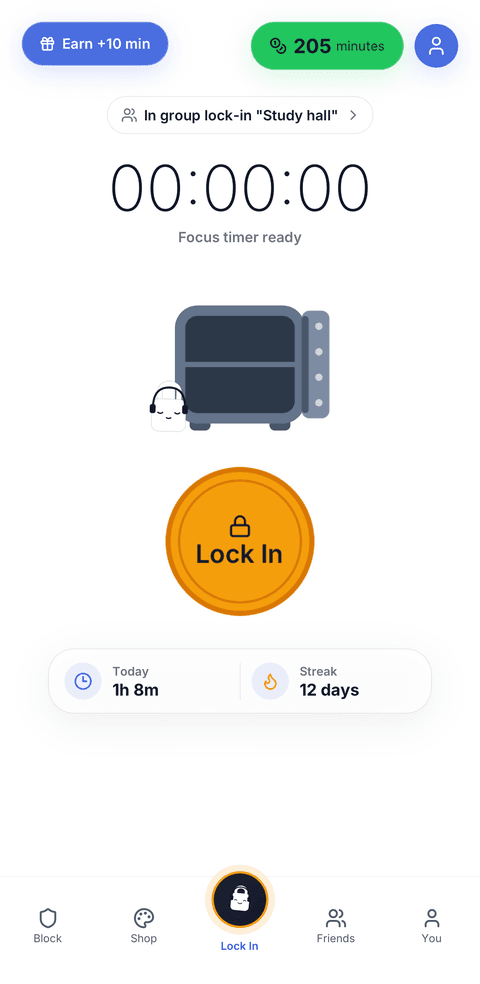
- Hit Lock In and stay with the material until the timer ends.
- Earn minutes for the time you focus and watch your streak grow.
- Studying with a group? Start a group lock-in so everyone sees who is locked in.
Questions
How do I block apps while studying on iPhone?
Install Lock In Squad, tap Continue on its first screen to allow Screen Time access, and choose apps or whole categories like Social and Games in Apple's picker. Set a timer for your study block and tap Lock In. Without an app, Screen Time's Downtime (Screen Time Schedule on iOS 27) can block apps at set hours, though Apple lets you ignore it by default.
Is there a free app to lock apps while studying?
Yes. Lock In Squad costs nothing on iPhone or Android, and blocking, timers, stats and streaks all work without paying. The app shows ads, and one optional $4.99 purchase, paid once, removes them. Forest is also free on both, and the Screen Time or Digital Wellbeing tools built into your phone are free but easy to override.
How do I block apps while studying on Android?
Install Lock In Squad from Google Play and grant the two permissions it asks for, Usage access and Display over other apps, which let it spot a blocked app opening and put itself in front. Pick your apps, start a timer and tap Lock In. Android's own Digital Wellbeing Focus mode can also pause chosen apps.
Is there a study focus app with friends?
Yes. In Lock In Squad, add a classmate as a friend and start a group lock-in, where live standings show how long each of you has been locked in. A friend streak grows each time you both lock in on a study day you share, and each week's winner on the friends leaderboard wears a crown all the next week. People who work alongside someone like this, called body doubling, said in a survey published in 2023 that it helps them get going.
Source for the survey: Eagle et al., 2023, a survey of 220 people about body doubling.
Lock in and actually study
A free app blocker for students, with no subscription.