By Eli Young, founder of Lock In Squad · Published · Updated
How to Stop Doomscrolling (and Get Your Evenings Back)
To stop doomscrolling, the habit of scrolling through bad news long after it stops helping, put a barrier and an ending on the feed rather than quitting social media. Block the apps you lose evenings to for a set window, keep the phone out of the bedroom, and plan what fills the time.
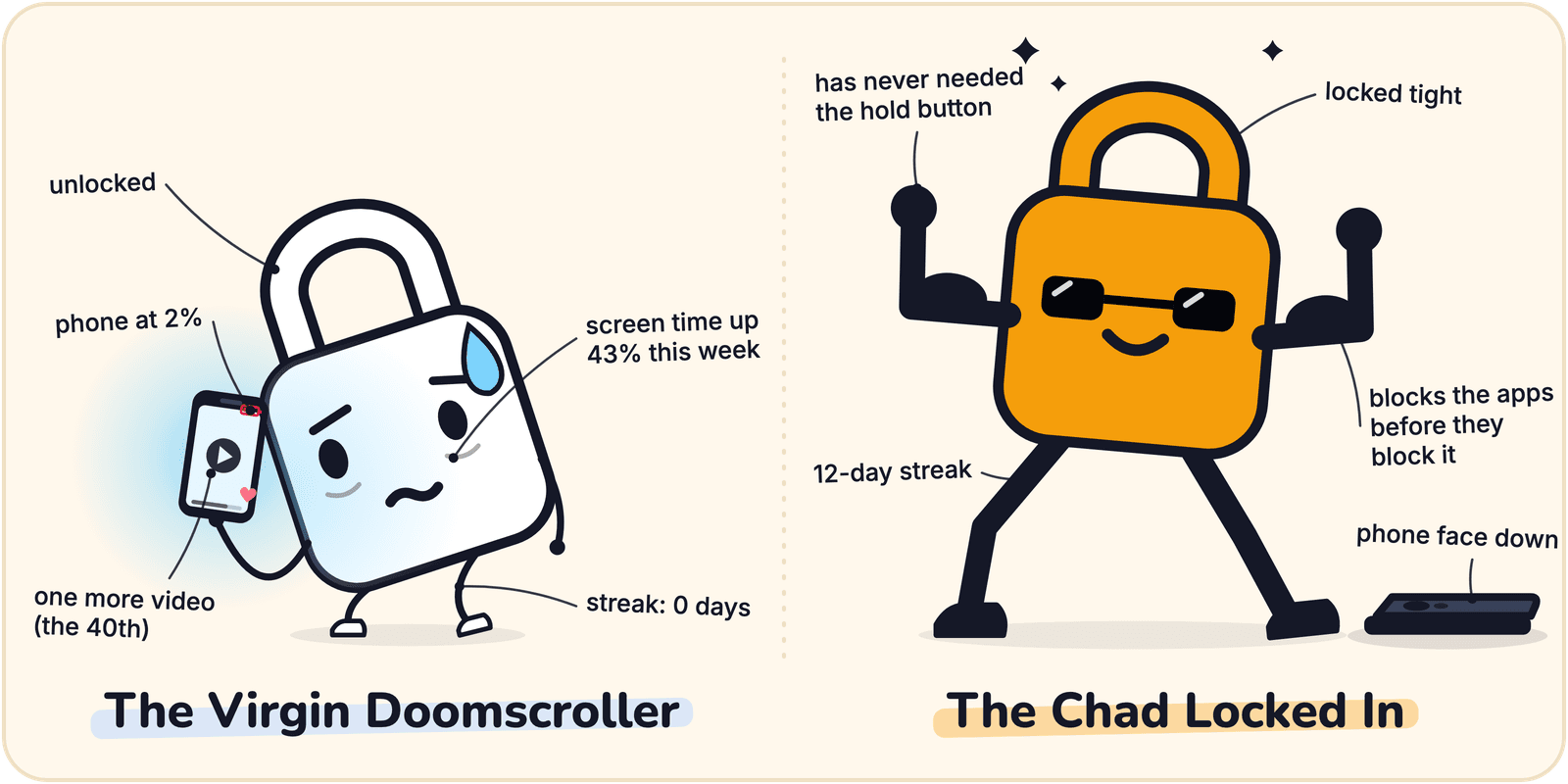
Why you keep scrolling
Feeds run on unpredictable rewards, a lot like a slot machine. You never know if the next post will be great, so you keep pulling the lever. The feed is infinite, so there is no natural stopping point and "just one more" has no end. Telling yourself to stop rarely works, because the decision happens faster than your intention.
What actually breaks the loop
Two changes do most of the work.
- Make the app harder to open. A short pause works better than you would think. In a 2023 study of 280 people using the one sec app, which makes you wait a moment before a chosen app opens, people backed out of about a third of their attempts, and after six weeks they were opening those apps 57% less.
- Give the session an end. A timer turns "infinite" into "until 9 PM," which your brain can actually respect.
A simple system that works
- Block the worst offenders in the evening. Pick the two or three apps you lose hours to and lock in with them blocked after dinner, or set a Lock In Squad schedule that blocks them every evening.
- Charge your phone outside the bedroom. In a survey of 844 adults in Belgium, published in 2016, six in ten took their phone into the bedroom, and bedtime phone use went with higher insomnia scores, more fatigue and later rise times.
- Replace what you remove. Line up the thing you would rather do (a book, a walk, a show you chose on purpose) so the freed time has somewhere to go.
- Build a streak. Locking in on the days you choose turns this from something you did once into a habit, and the streak gives you a reason to keep it.
Questions
How do I stop doomscrolling at night?
Pick a cutoff, such as an hour before bed, and start a blocking session then that runs until morning, so the feeds are shut when you are most tired. Put something else within reach, like a book, and wake up to an alarm clock that is not your phone.
Why do I doomscroll?
Doomscrolling tends to travel with worry. A 2022 study that built a scale to measure it found doomscrolling went along with anxiety, fear of missing out, habitual media use and poor self-control, and that men, younger adults and people more engaged in politics did it more.
How do I stop doomscrolling with ADHD?
Put the barrier in place before the evening begins, since that is easier than stopping once a scroll has started. Choose a quit step that takes a few seconds, because an instant off switch is easy to hit on impulse. If scrolling crowds out sleep or work, bring it up with your clinician.
How do I stop doomscrolling on Instagram?
Block Instagram for the hours you lose to it, and log out so reopening it takes your password. Move it off your Home Screen, and mute or unfollow accounts that mostly post bad news, so there is less of it waiting in your feed when you do open the app.
What apps stop doomscrolling?
Two kinds of app help. Blockers such as Lock In Squad, Opal and Forest shut the feed for a set window, and delay apps such as one sec slow each opening down. Screen Time on iPhone and Digital Wellbeing on Android can limit apps too, though their limits are easier to wave off.
Source for the 2022 study: Sharma, Lee and Johnson, "The dark at the end of the tunnel: Doomscrolling on social media newsfeeds," Technology, Mind, and Behavior, 2022.
Break the scroll
Block the feed when it matters, with a real ending, for free.